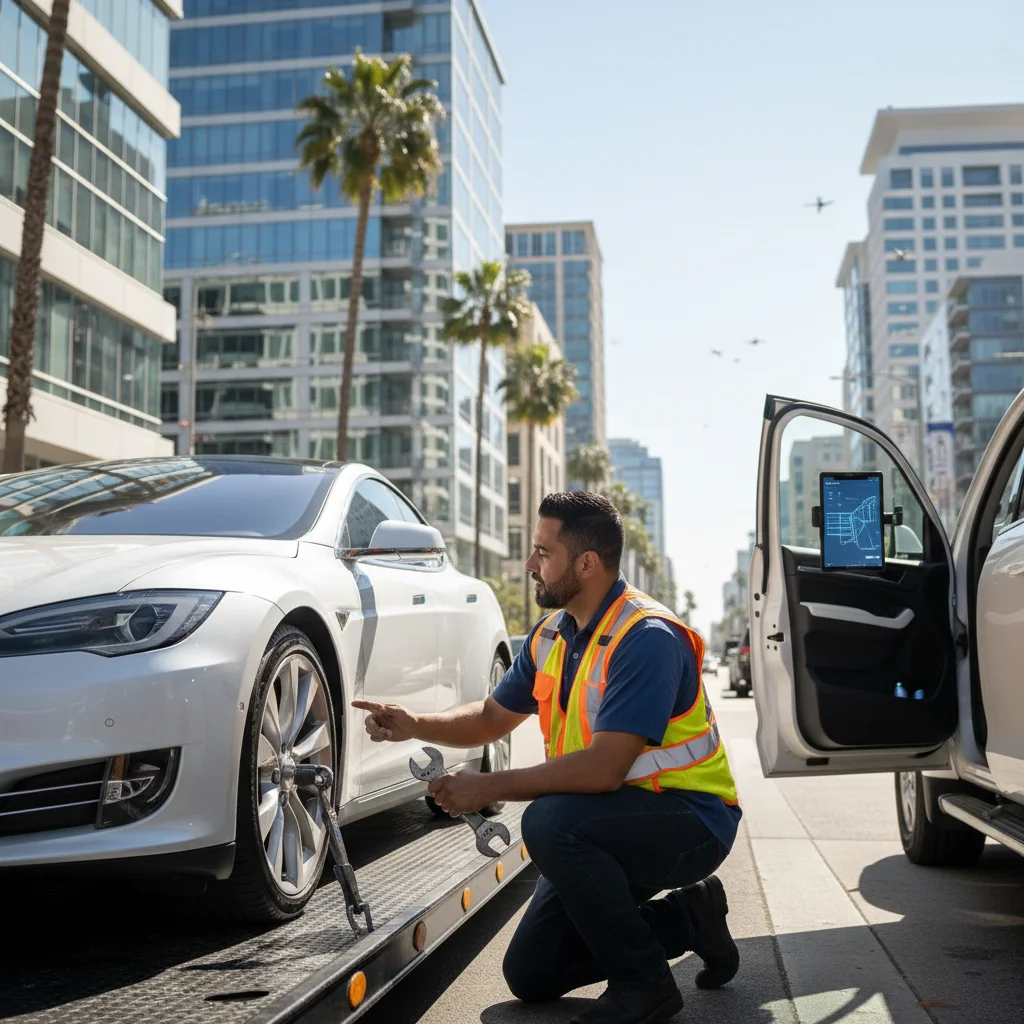
If one source says Transport Mode and another says tow mode, don’t treat those as one universal Tesla sequence. Tesla owner manuals use both labels on the same Controls, Service, Towing family. Match the car with the current official manual for that VIN, model, and software before anyone moves it.
Check your exact Tesla model and software first
Start with the specific car, not a generic internet walkthrough. Record the exact model, model year, and any software information visible on the screen. Then open the current Tesla manual that matches that vehicle.
Search that manual for Transport Mode, Tow Mode, and towing. Follow the wording Tesla prints for that car. Don’t substitute steps from a different model, an older screenshot, or a video with an unknown software version.
Tesla’s Model Y Transporter pages retrieved for this article (en_gb) label the control Tow Mode. Tesla’s Model 3 Transporter pages retrieved here (en_eu) label it Transport Mode. Both sit under Controls, then Service, then Towing. That is the evidence that the two names are real manufacturer labels, not just internet slang. The matching US English Model 3 Transporter URL returned HTTP 403 on 2026-09-13, so do not treat the GB or EU pages as the only US wording.
Before changing any setting, confirm three points:
- The manual matches the exact vehicle.
- The on-screen button name matches what that manual prints.
- The loading method matches Tesla’s current transporter instructions.
If those points don’t line up, stop. Tell the towing operator which model you have and what the screen shows. Our broader Tesla and EV flatbed towing guide explains how to prepare for the call without turning preparation into a do-it-yourself recovery.
Where the control appears when the screen works
On the Tesla Transporter pages we could retrieve, the shared path is Controls, Service, Towing. Then use the on-screen button name printed in that car’s current manual. Model Y en_gb prints Enter Tow Mode. Model 3 en_eu prints Transport Mode. Tesla’s Model Y notes say the button turns blue when the mode is active.
Manufacturer preconditions on those Transporter pages include: the car is not connected to a charger, the key is detected, the parking brake is engaged, you press and hold the brake pedal, and low-voltage power is available. If any of those fail, stop. Do not keep tapping through menus in a traffic lane.
A breakdown near the Hernando de Soto Bridge on I-40 or the Memphis & Arkansas Bridge on I-55 needs roadside judgment before menu troubleshooting. Don’t rely on memory from another Tesla.
Tesla’s transporter warnings on those pages also say all four tires should be off the ground. Do not tow with the drive motor turning the wheels on the pavement. Those same notes allow only a short, slow roll: under 3 mph / 5 km/h for less than 30 feet / 10 meters.
When arranging flatbed towing, describe the screen status clearly. Say whether it works, which button name you saw, and whether any warning remains visible.
What changes when low-voltage power is unavailable
A dark or unresponsive screen removes the menu path. It does not give you permission to improvise with cables, trim panels, tow hooks, wheels, or electrical connections.
Tesla’s retrieved Transporter notes say that if you cannot use the touchscreen, use self-loading dollies or tire skates. Tesla is not responsible for that method. Do not DIY-wire the car back to life from a forum post.
If you cannot access or verify the current manual for that VIN, stop and tell the operator that low-voltage power appears unavailable.
Tell the recorded line:
- The exact Tesla model and model year.
- Whether the center screen turns on.
- Whether the doors and controls respond.
- Whether the car is in a garage, parking lot, driveway, or traffic lane.
- Whether the operator will face tight clearance or blocked access.
Location matters around Memphis. Loading in a Cordova parking lot isn’t the same situation as a disabled vehicle on I-240 or Lamar Avenue. If the vehicle is exposed to traffic, focus on getting professional roadside direction instead of continuing a screen or power procedure beside moving vehicles.
What the operator needs before loading
Give the operator facts that can be checked before the car moves. Start with the exact model, model year, pickup location, destination, screen status, and low-voltage condition. Mention any visible damage, restricted access, or unusually low clearance.
Be precise about what you completed. “The screen works, but I couldn’t confirm Transport Mode” is better than saying the car is ready. If you found the control, say which current Tesla instructions you followed and whether the display showed any remaining warning.
Don’t claim the wheels roll freely unless that has been confirmed under the correct instructions. Don’t push, drag, winch, or steer the car based on a generic web page. Loading an electric vehicle belongs to the operator handling the recovery.
The pickup setting also affects planning. A car inside a Memphis garage may have height and approach limits. A vehicle beside I-40, I-55, I-240, or SR-385 creates a different roadside problem. Share the lane, shoulder, parking level, gate, and access conditions when you request emergency towing.
Quick Tow Memphis is a referral service. We take the details and match the caller with a local tow operator. The operator performs the work and contracts with the customer directly. Ask for the full total, including mileage, before agreeing. Distance, vehicle size, time of day, truck type, and hookup difficulty can affect the amount.
When to stop and follow Tesla roadside instructions
Stop when the manual and vehicle don’t match, the required control isn’t visible, or the screen won’t respond. The same applies when you can’t confirm the proper power-loss procedure for that exact model.
Don’t keep testing settings because another website presents a confident answer. Use the current official Tesla Transporter section for that VIN. The GB and EU pages retrieved for this article are not a substitute for the US manual if your car’s software prints different button names.
Road position can make the decision more urgent. The TDOT HELP program patrols covered Tennessee interstates around Memphis during published urban hours that vary by day. Rural HELP also covers I-269 from the Mississippi state line to Exit 19 from 6:00 a.m. to 10:30 p.m. daily, with on-call overnight support for major incidents. During service hours, dial 511 and follow the Motorist Assistance prompts. Assistance is not guaranteed. HELP may clear a blocking vehicle, but it does not tow the car to your chosen shop, home, or storage lot. That requires a private towing operator.
If you’re across the state line in Southaven or West Memphis, say so during the call. Tennessee towing rules shouldn’t be applied to a pickup originating in Mississippi or Arkansas.
Wherever the car stops, don’t turn an uncertain setup into a mechanical experiment. Record what happened, preserve access to the current manual, and give the operator an accurate description.
When to call us
If the car can’t be prepared from its current Tesla instructions, leave the loading to a working towing operator. We’ll take the location, vehicle details, and screen or power condition, then match you with a local operator; the line takes calls around the clock. Call us at (901) 557-8700.